I lost the import flow I liked when I cut my subscriptions, so I built the one I wanted. It is opinionated on purpose: date-patterned folders, keepers flagged before the copy, duplicates skipped.
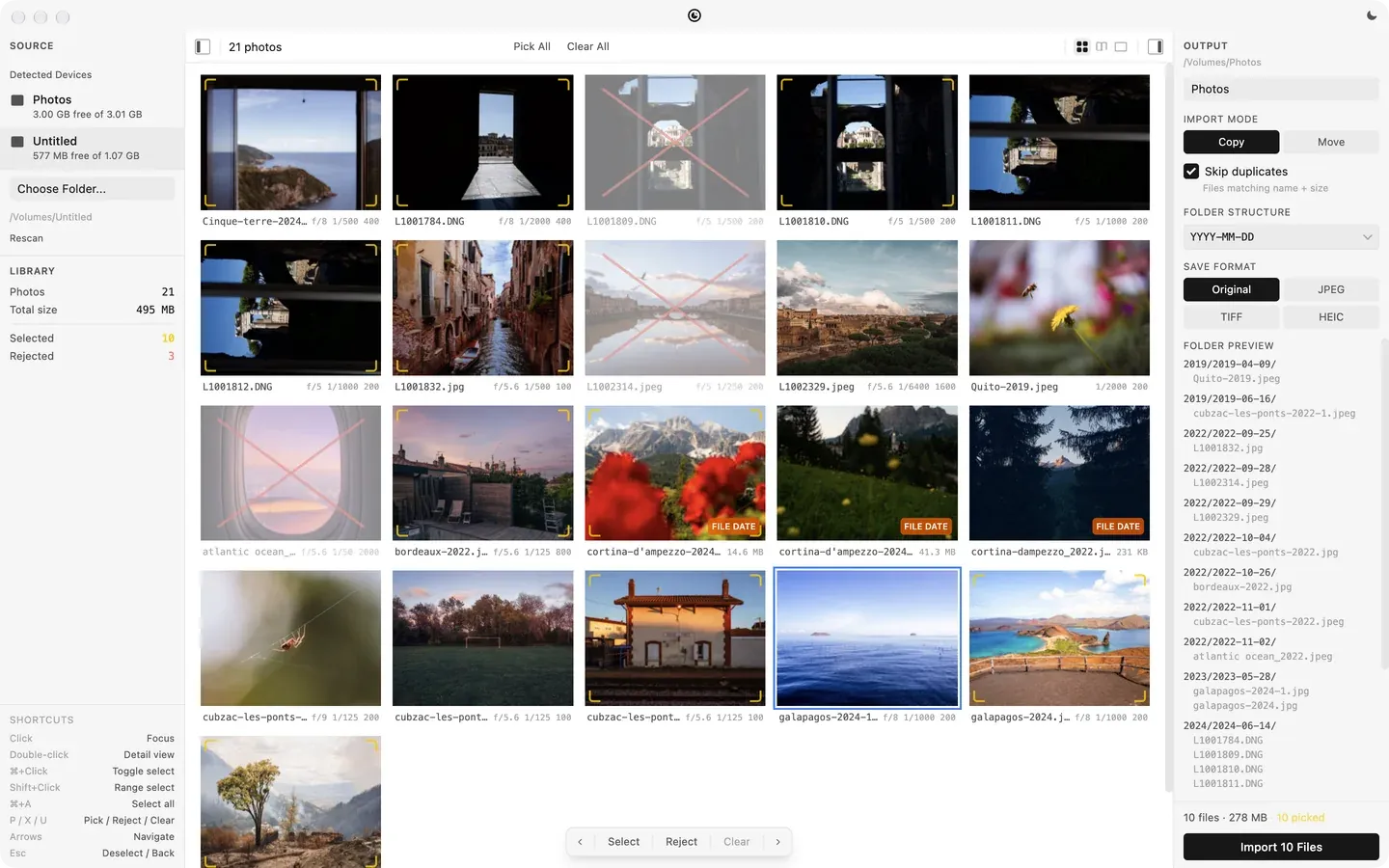
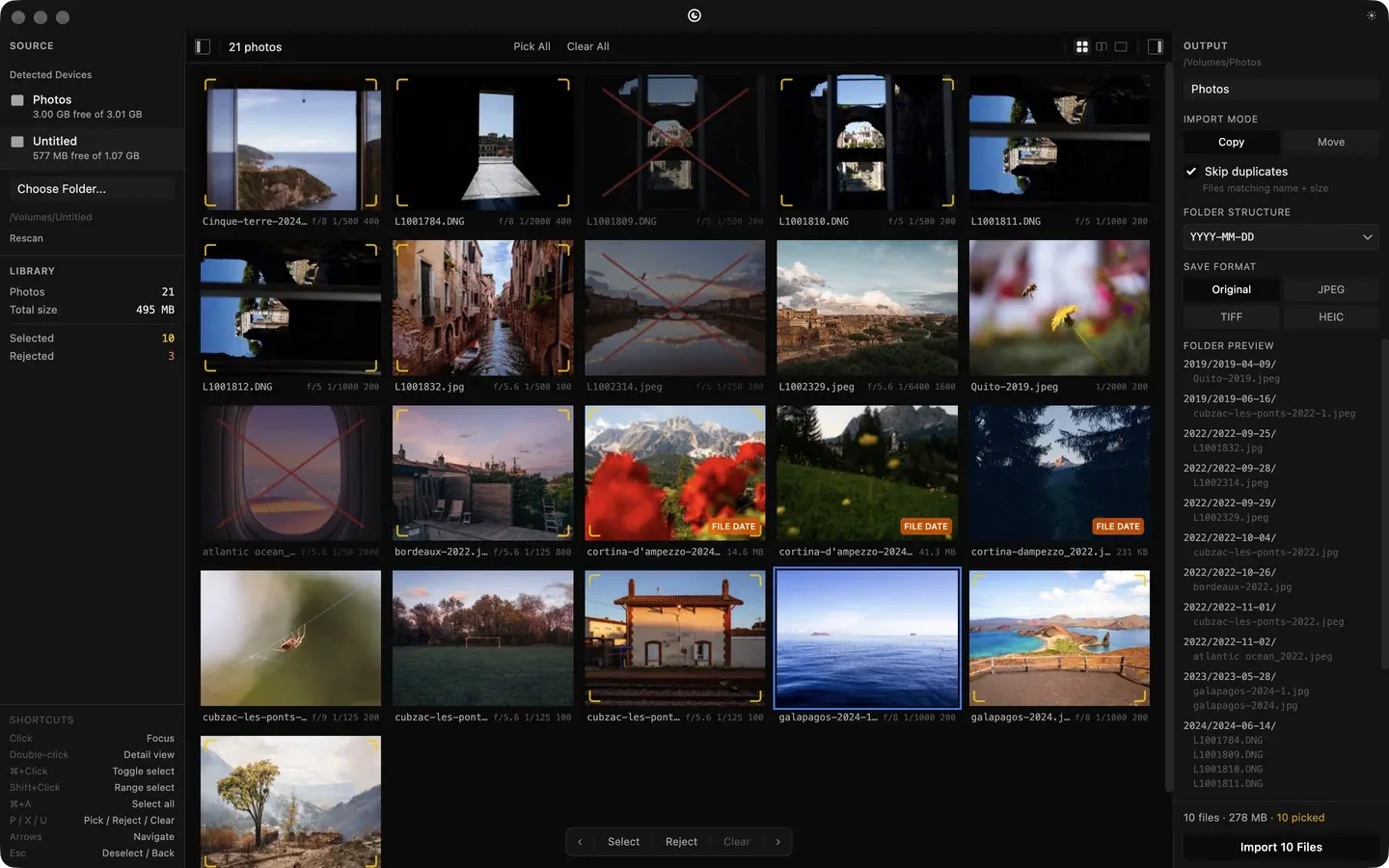
Photo Importer with a card detected: 21 photos in a grid with aperture, shutter and ISO on each, 10 picked with corner marks, 3 rejected and crossed out, the library counts on the left and the output panel with a folder preview and an Import 10 Files button on the right.
Triage. The card is detected on mount, every photo shows its exposure, and the keepers are picked before anything is copied.
The mark
The mark. The app icon.
What it does
Auto-detect volumes: cameras and SD cards detected on mount.
EXIF metadata: read date, camera model, lens, and dimensions.
Folder patterns: organize imports by YYYY/YYYY-MM-DD or custom patterns.
Duplicate detection: skip files that already exist at the destination.
Pick and reject: flag keepers and rejects before importing.
Background auto-updates: the app updates itself quietly between launches.
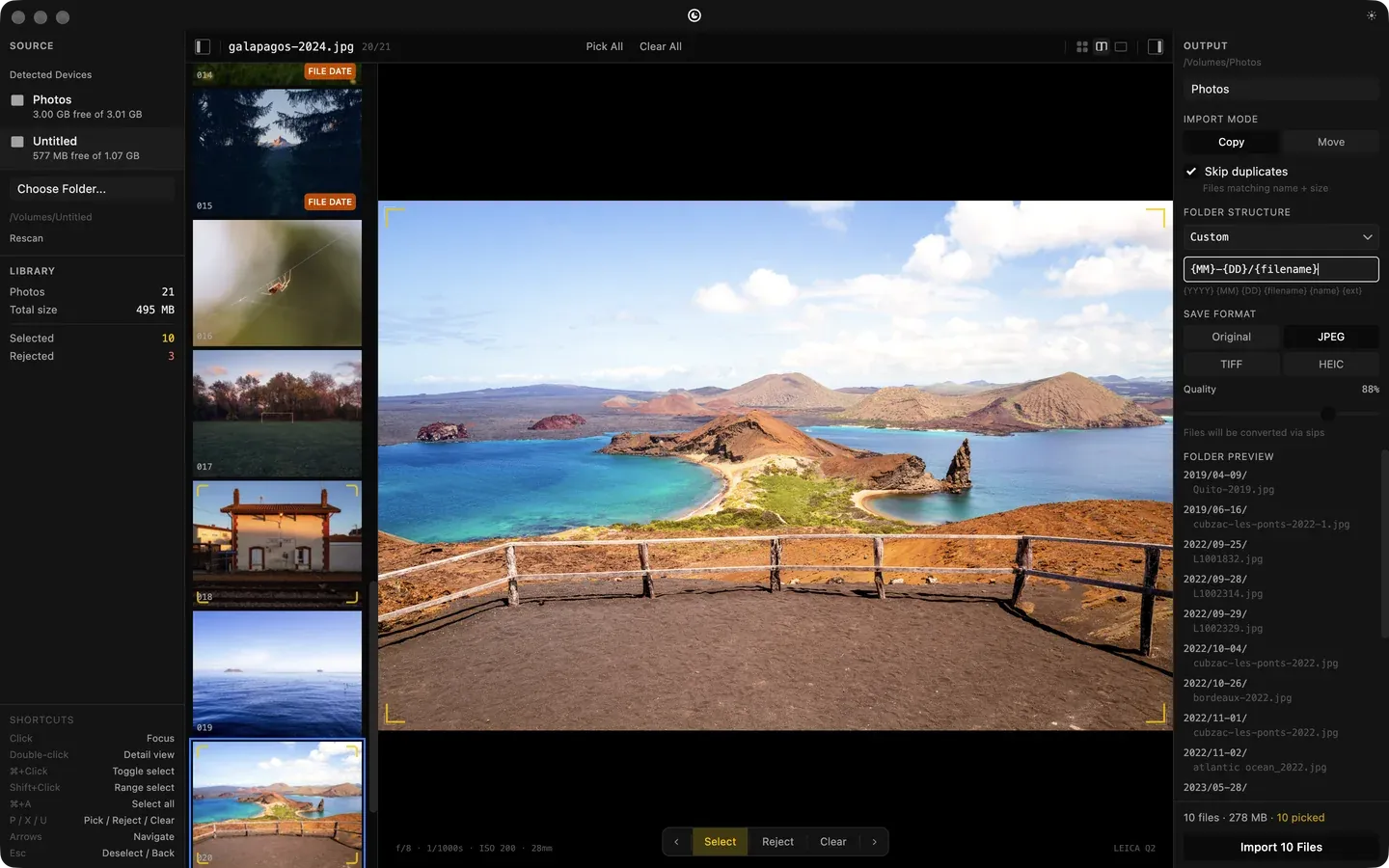
Light and dark themes: follows the system.
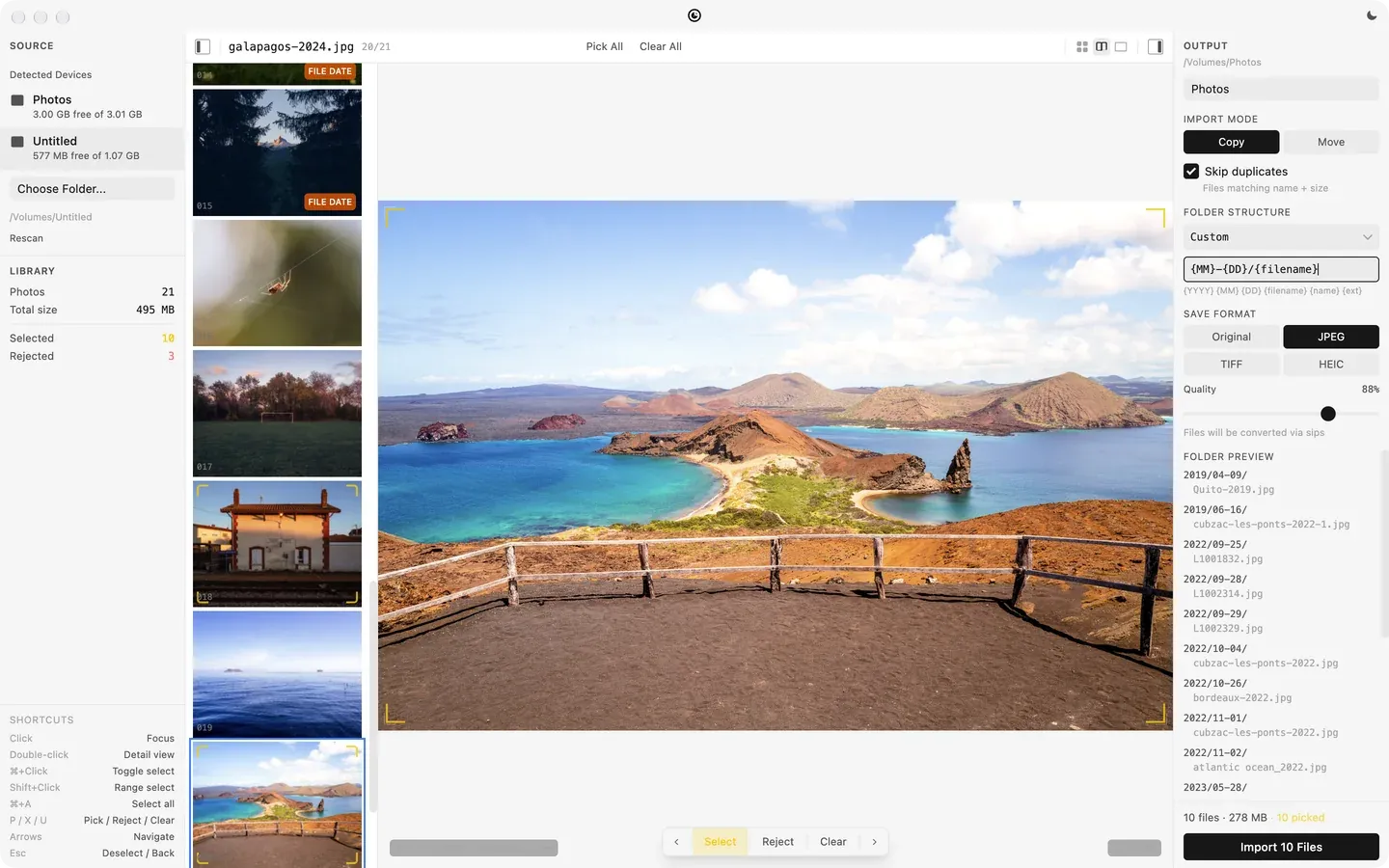
A picked photo in a split view beside the output settings: a custom folder pattern being typed, JPEG at 88 percent quality, and the folder preview updated to .jpg files.
Output settings mid-edit: a custom folder pattern, and a conversion to JPEG at 88 percent.
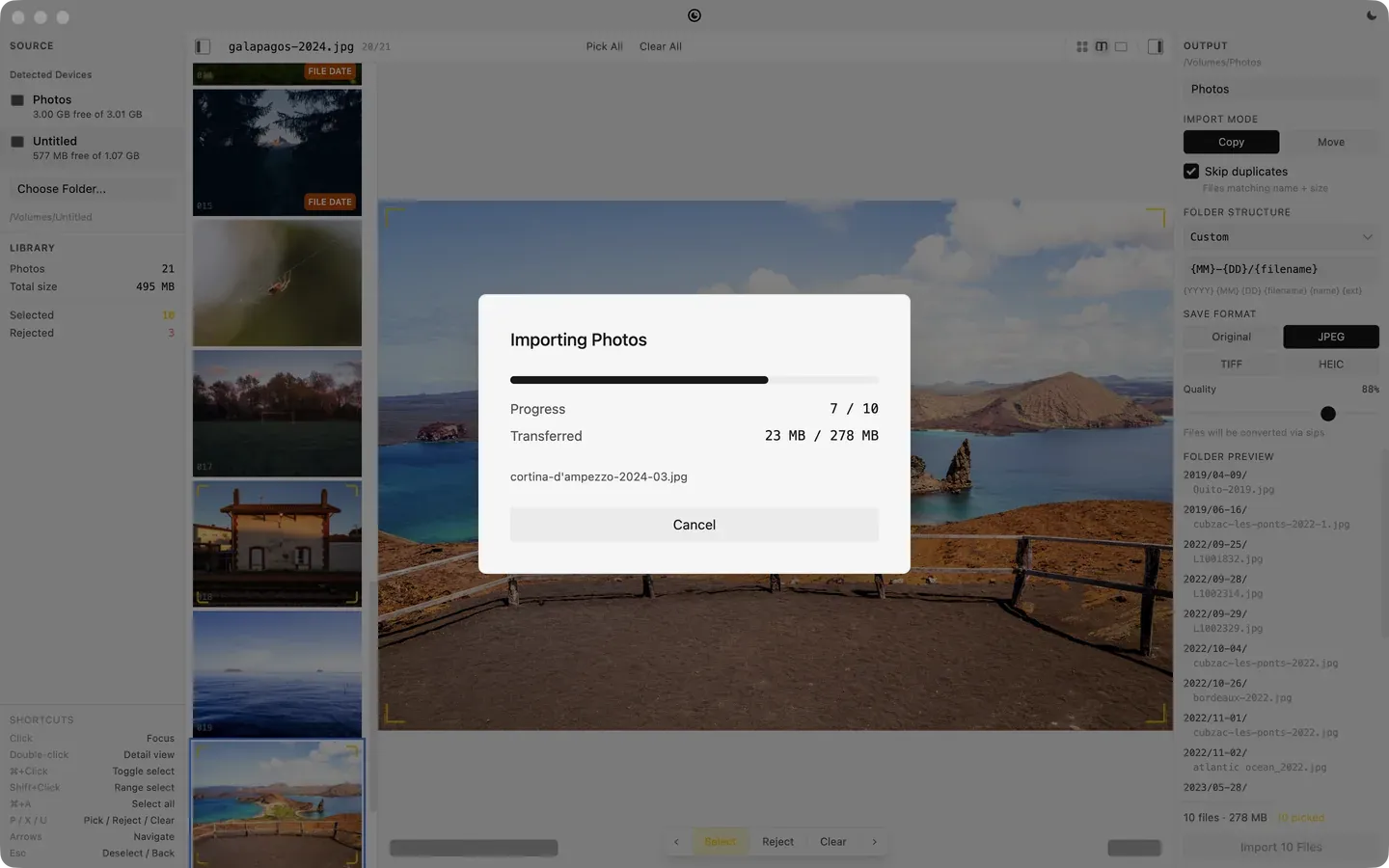
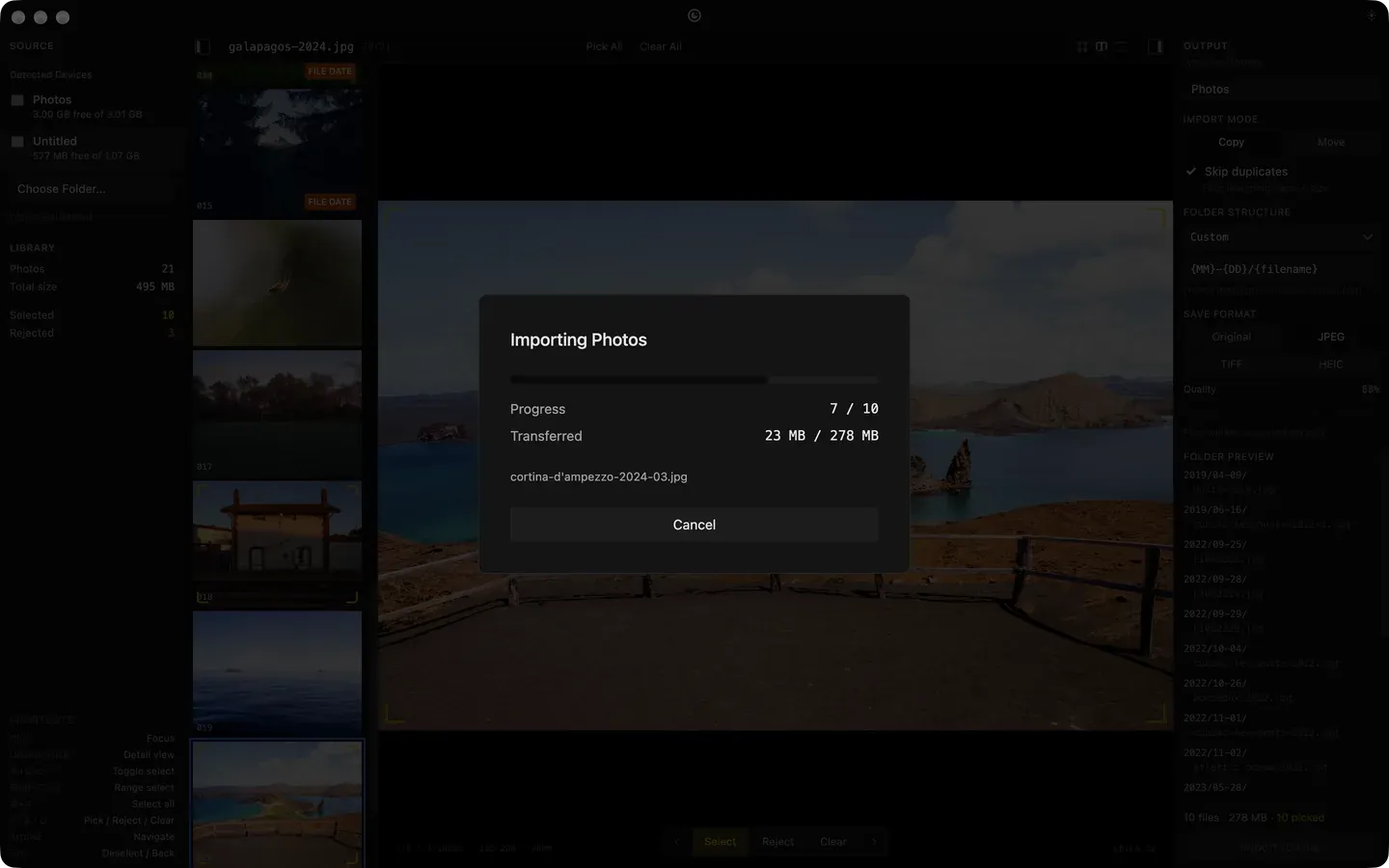
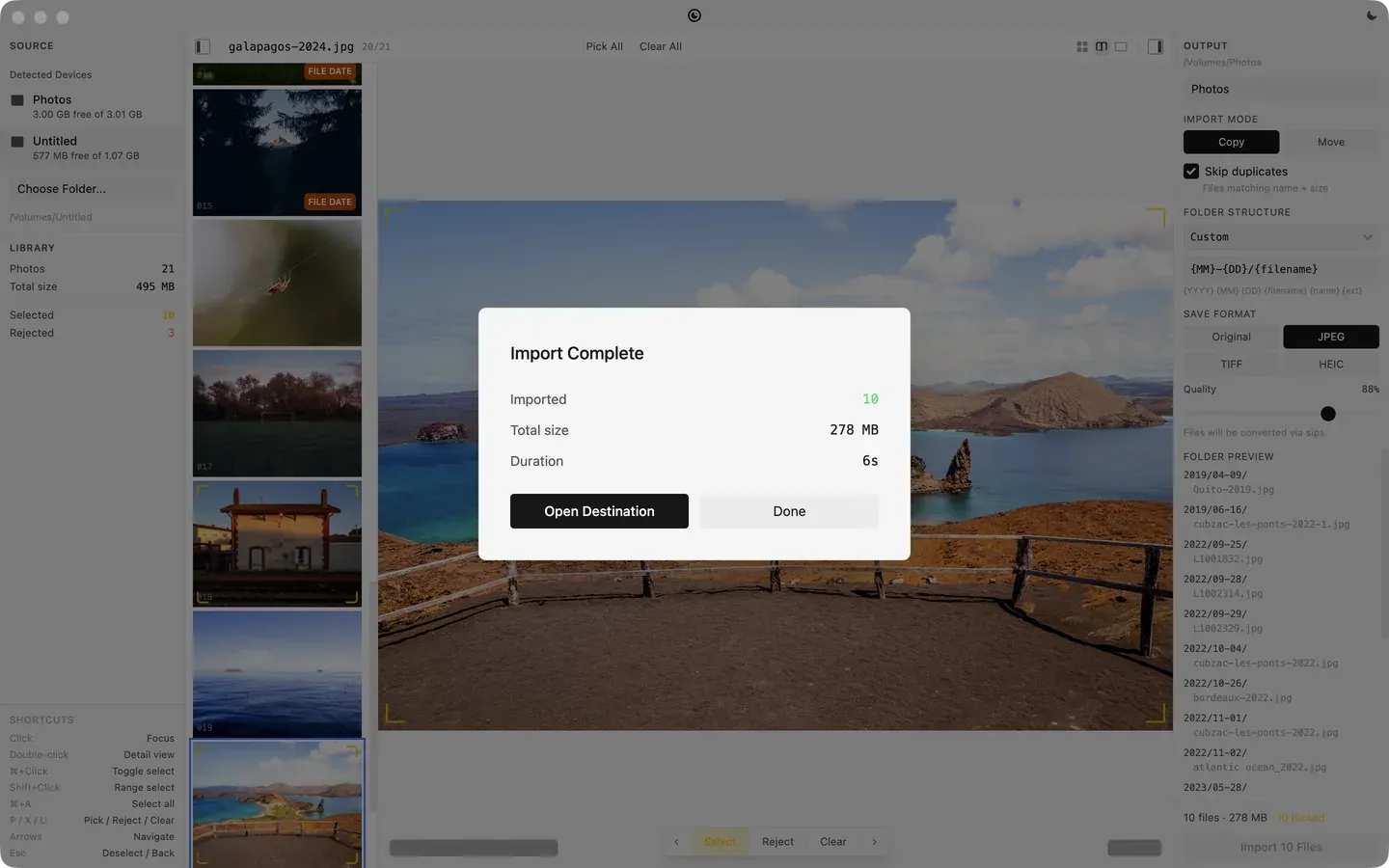
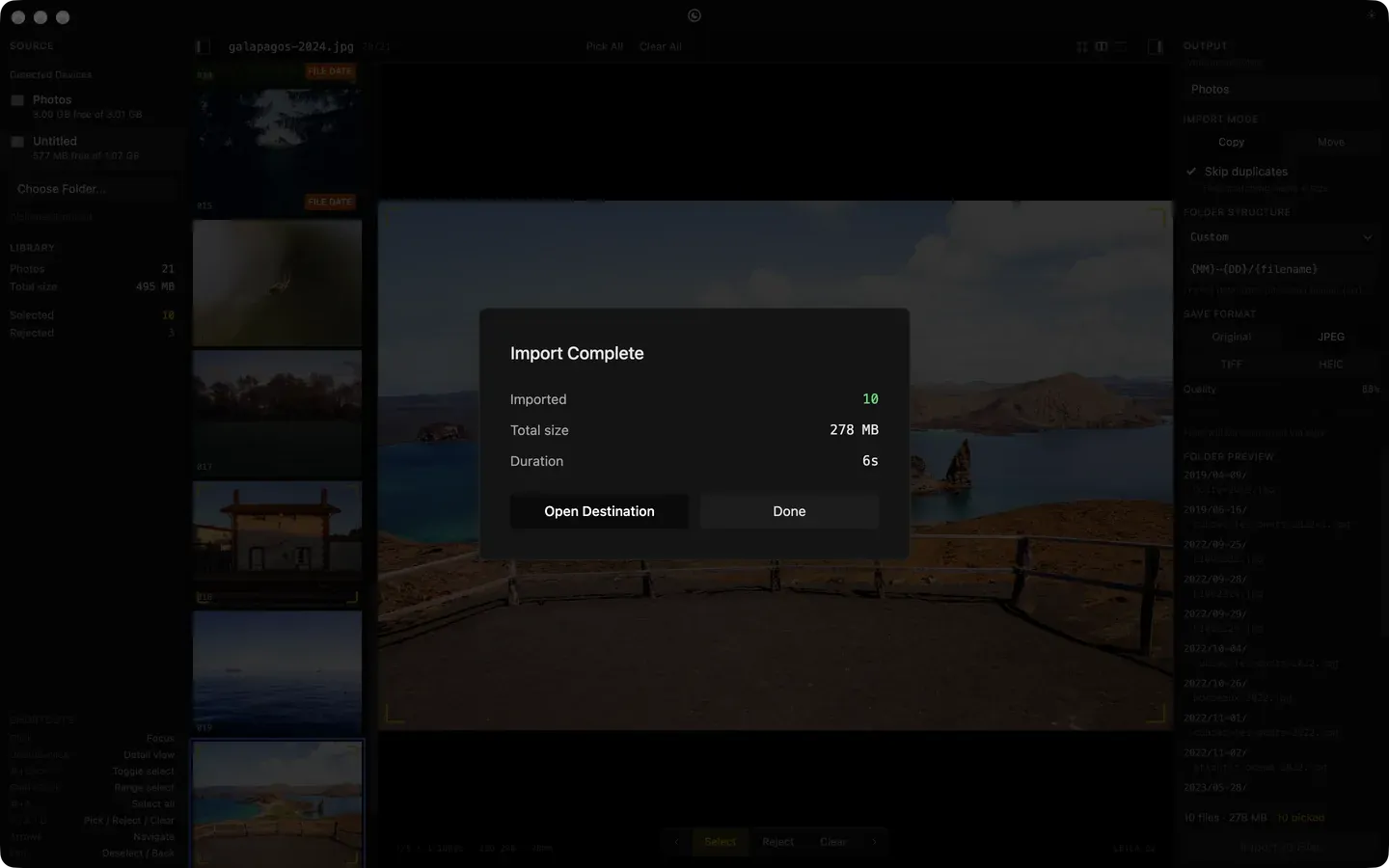
The import running: 7 of 10 files, 23 MB of 278 MB, the current file name, and a Cancel button.; Import Complete: 10 files imported, 278 MB, 6 seconds, with Open Destination and Done buttons.
The copy, seven of ten. Then done: ten files, 278 MB, six seconds.
Where it stands
Shipped and in use; it’s how photos get off my cameras. Signed and notarized builds, made in CI.