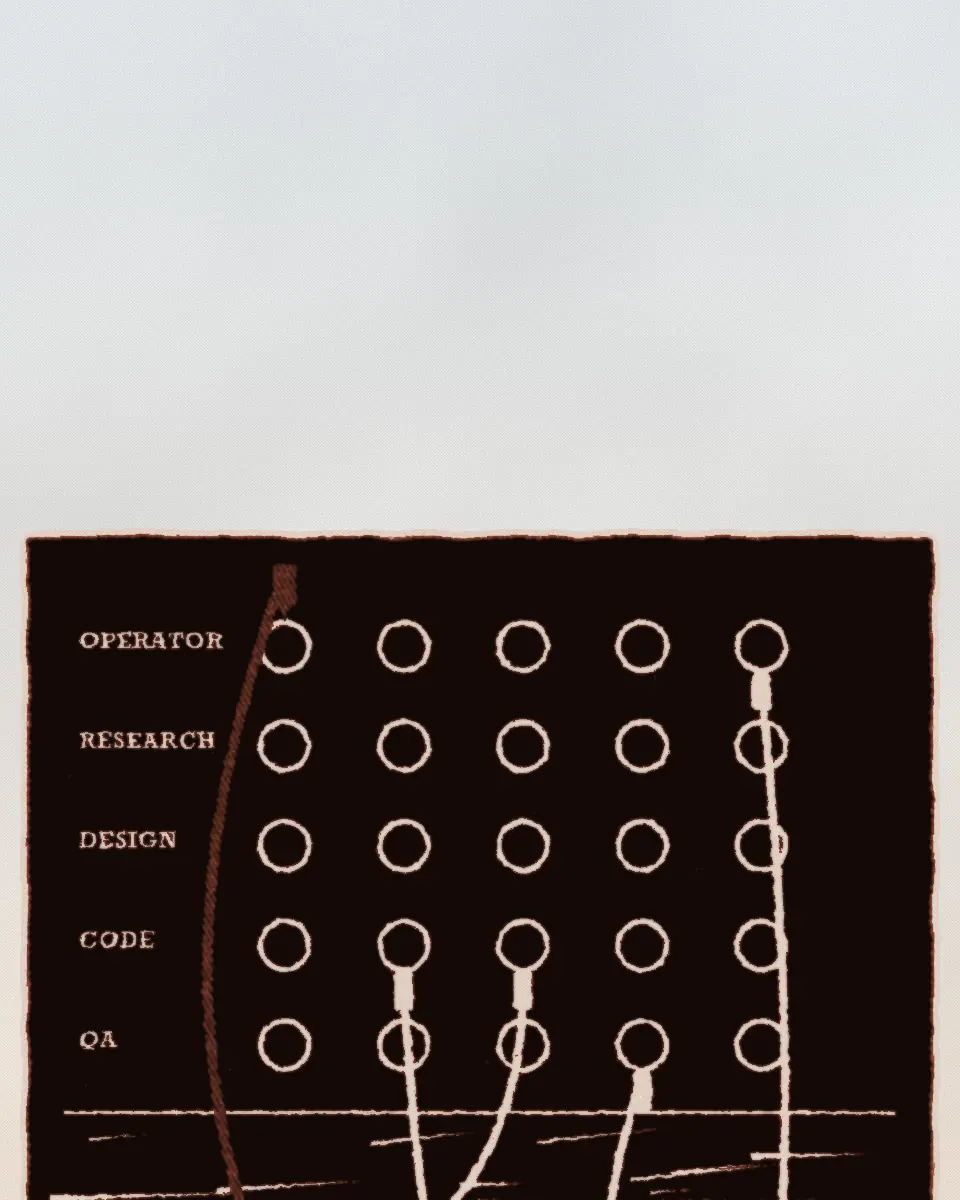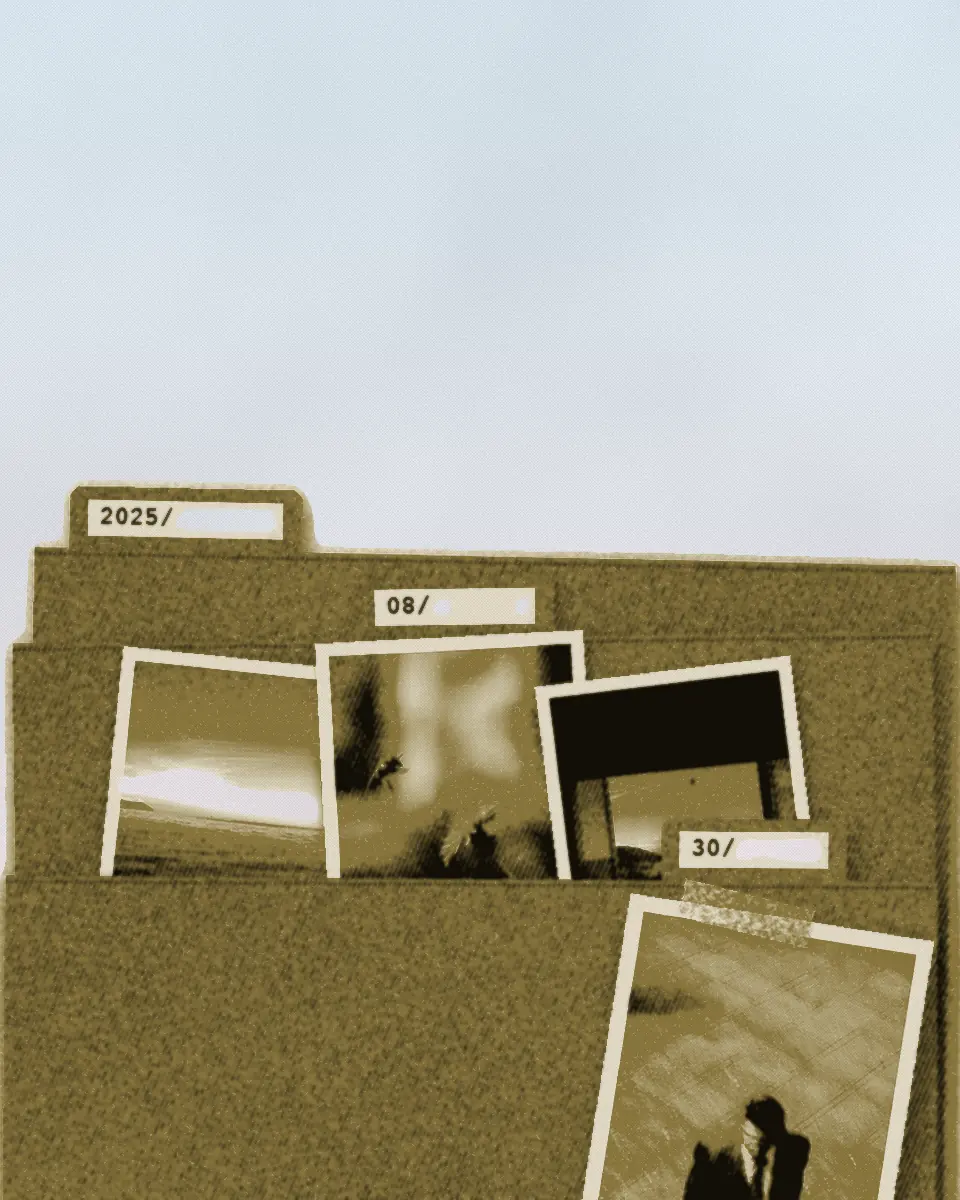
Photo Importer
Where a photo lands
A macOS desktop app to import photos and videos from cameras and SD cards.
Juan M. Cornejo
Photo Importer
A notebook
Photo Importer files each photo in a folder named by its date. This notebook shows which folder, and where the date comes from.
- Notes2
- The output panel, sketched3
- Where a photo lands4
- One photo, five patterns5
- Try it6
- The output panel7
- The folders it makes8
- How a path is built9
- In short10
A macOS desktop app built with Electron to import photos and videos from cameras and SD cards.
1Photo Importer
Notes
- Photos from a card go into folders by date: the date the photo was taken, not the day I import it.
- A photo’s path is the destination folder, then the year, then the pattern.
- The year folder is always added. The pattern YYYY / MM / DD therefore gives 2025/2025/08/30. That is on purpose.
- The date comes from the photo’s EXIF data, the details the camera writes into the file: the time it was taken, else created, else last changed.
- With no EXIF date, the app uses the file’s own modified date and puts a FILE DATE badge on the thumbnail. Videos, and photo formats it cannot read EXIF from, always take the file date.
- That date also picks the year. A copy exported later, with its EXIF data gone, lands in a later year, and nothing corrects it.
- The preview, the duplicate check and the import all use one function to work out where a file goes.
- “Already there” means a file with the same path and the same size. The app does not compare what is inside the files.
- Saving as JPEG changes the extension in the path and nothing else.
2Notes
The output panel, sketched
Figure 1. The output panel, sketched in code: the pattern, its tokens and the folder preview, beside a thumbnail with the file date badge.
3Photo Importer
Chapter 1
Where a photo lands
Photo Importer copies photos and videos from a camera card into folders by date. A pattern of tokens, placeholders such as YYYY and MM, sets the folders. The date comes from the photo itself when it has one.
When a file has no date of its own, the app uses the file’s modified date and says so on the thumbnail. That date also decides the year folder, so a copy made later can land in a later year.
4Where a photo lands
One photo, five patterns
DSC_0418.arw, taken on 30 August 2025 at 18:04
- YYYY-MM-DD
2025/2025-08-30/DSC_0418.arw - YYYY / MM / DD
2025/2025/08/30/DSC_0418.arw - YYYY / MM
2025/2025/08/DSC_0418.arw - YYYY
2025/2025/DSC_0418.arw - No folders
2025/DSC_0418.arw
2025/2025/08/30/
The nested preset gives the year twice, because the year folder comes before the pattern. Saved as JPEG, only the extension changes: 2025/2025/08/30/DSC_0418.jpg.
A copy exported on 3 January 2026, with its EXIF data gone, has only the file’s own date. It gets the path 2026/2026-01-03/DSC_0418-edit.jpg, a file date badge and the wrong year, which nothing corrects.
Table 1. Every path on this page was computed by the app’s pattern engine, ported to this page, when the page was built. The file and its dates are invented.
5Photo Importer
Try it
Figure 2. The same pattern engine and date rule run here on 24 invented files, most of them from one card. This is the preview: the folders the pattern gives for these files. It does not run an import.
6Try it
The output panel
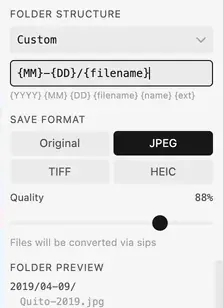
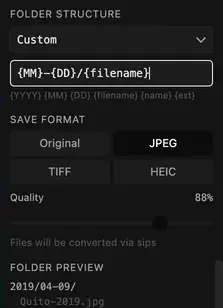
- 1The pattern, typed: no year in it
- 2The tokens a pattern can use
- 3JPEG: the extension changes
- 4The year folder comes first anyway
- 5.jpg in the preview
Plate 1. The output panel while a pattern is typed. The folder preview already begins with the year, which the pattern did not ask for, and choosing JPEG changes the extension the preview shows.
7Photo Importer
The folders it makes
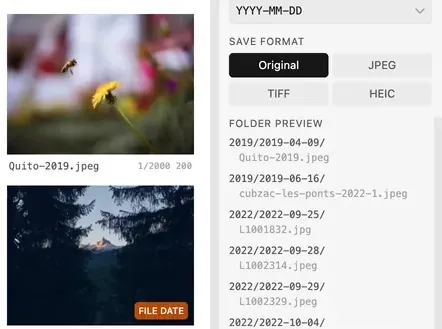
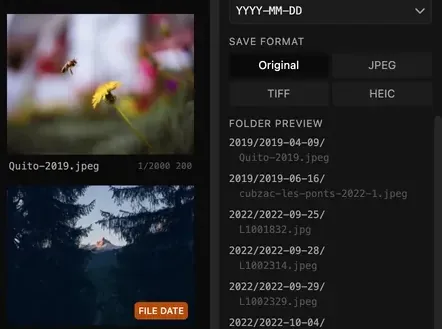
- 1FILE DATE: no date of its own, the file’s date stands in
- 2The pattern: YYYY-MM-DD
- 32019/2019-04-09/: the year folder, then the pattern’s own year
- 4Original keeps each file’s own extension
Plate 2. A card of my photographs and the folders the pattern makes for them. The year comes twice, by design, and the photos with no date of their own carry a FILE DATE badge.
8The folders it makes
How a path is built
Figure 3. A path drawn as nested folders. The year is added first, then the folders the pattern makes from the photo’s date, and the file sits in the last one.
- 1The date: the time the photo was taken, else created, else changed. With none of these, the file’s own date and a badge.
- 2The date and the name fill the pattern’s tokens.
- 3The year goes first, whatever the pattern says.
9Photo Importer
In short
Three things set a photo’s folder: the destination, the year folder the app always adds, and the pattern. When a photo has no date of its own, the file’s date stands in, and it can be the wrong year.
The preview asks the path function again whenever the pattern or the folder preset changes. The import uses the path it worked out at the scan.
The rest of Photo Importer is in the case study: flagging keepers before the copy, skipping duplicates and the signed builds.
10In short